
Show how it wears.
Explore front, side, back, and three-quarter views. Give each product a place on the model before choosing images for its page.
For clothing brands & independent stores
Turn your existing product photos into on-model images for your store, social, and campaigns. Choose a model, create new angles, and download the images you approve.
20 one-time trial credits · No card required
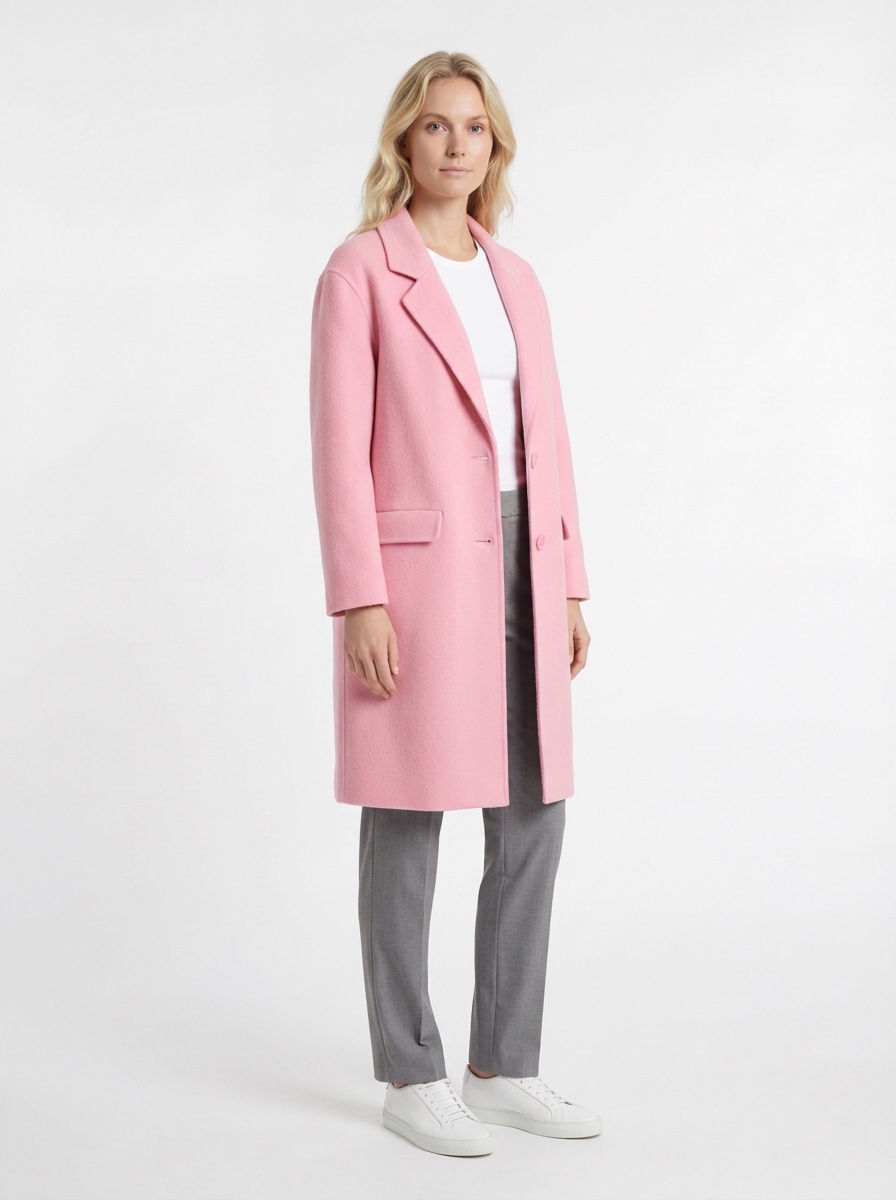
Generated in Chic Studio
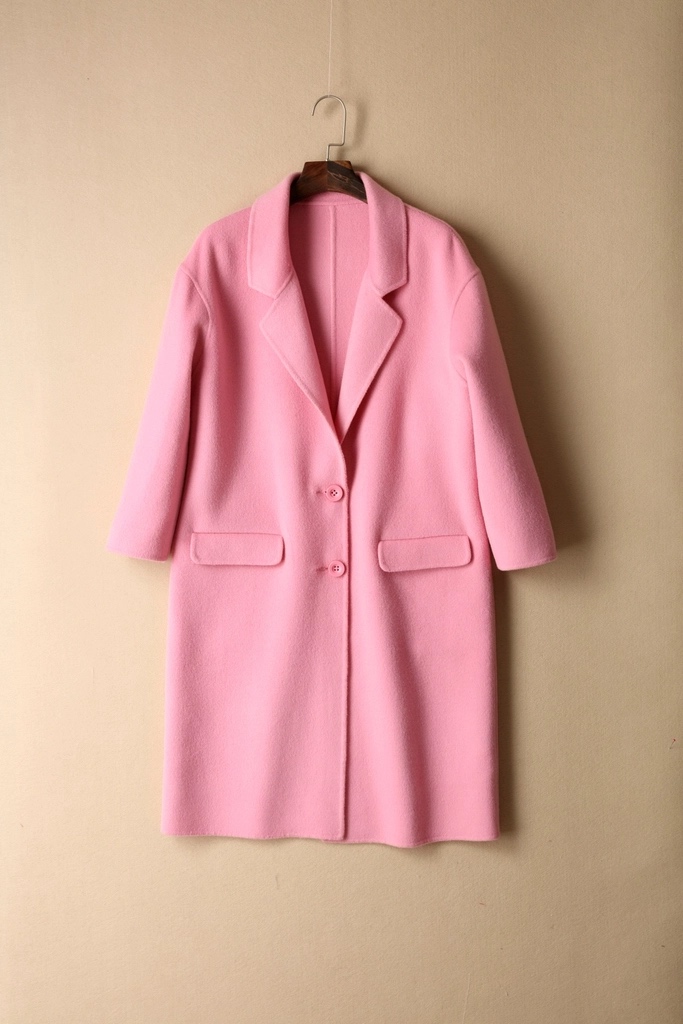
A hanger photo.
A new way to wear it.
Made for boutiques, clothing brands, and online stores.
Product pages · Lookbooks · CampaignsFrom product photos to on-model images
The jacket and trousers were photographed separately. Chic Studio brought them together in one on-model look. Show the pieces you sell as an outfit worth a closer look.
Create different views, compare the results, and download the images you want to use. Your product photos are the starting point. Your eye makes the final choice.
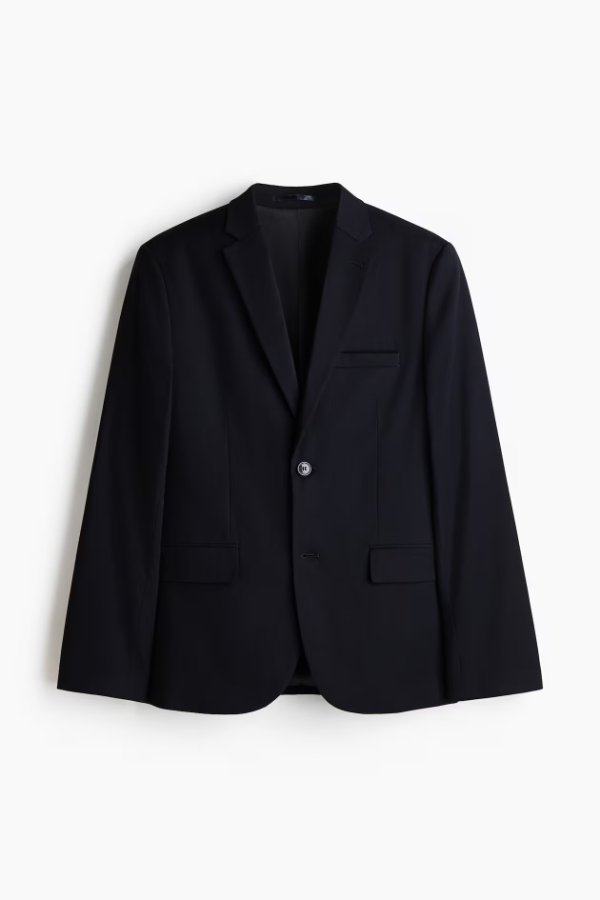
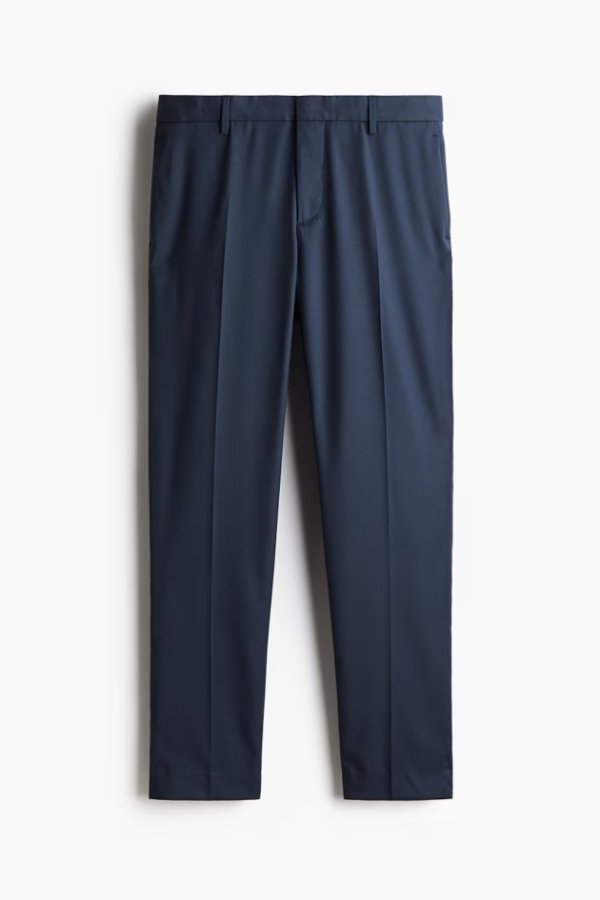
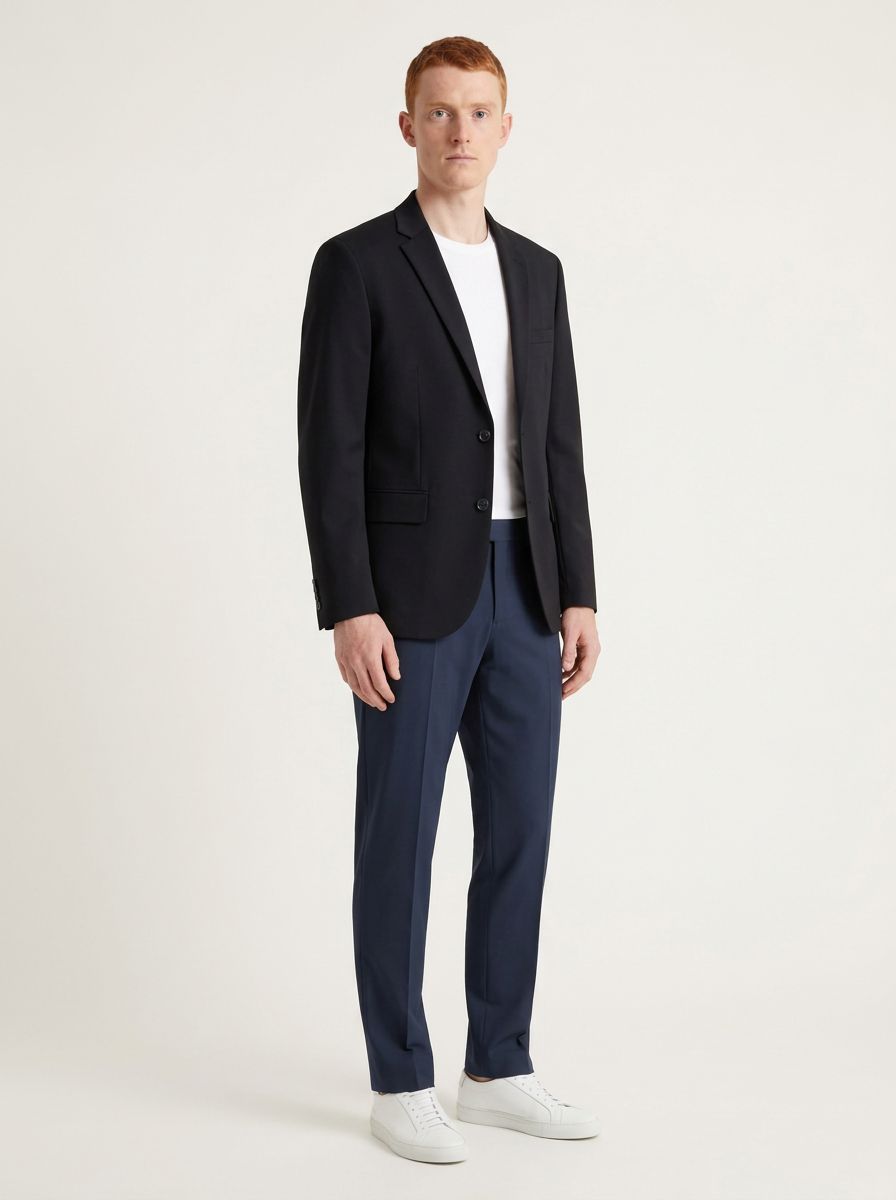
15 selected results. Made in Chic Studio.
Coats, dresses, tailoring, and everyday pieces. Explore the looks, inspect the details, and find a direction for your store.
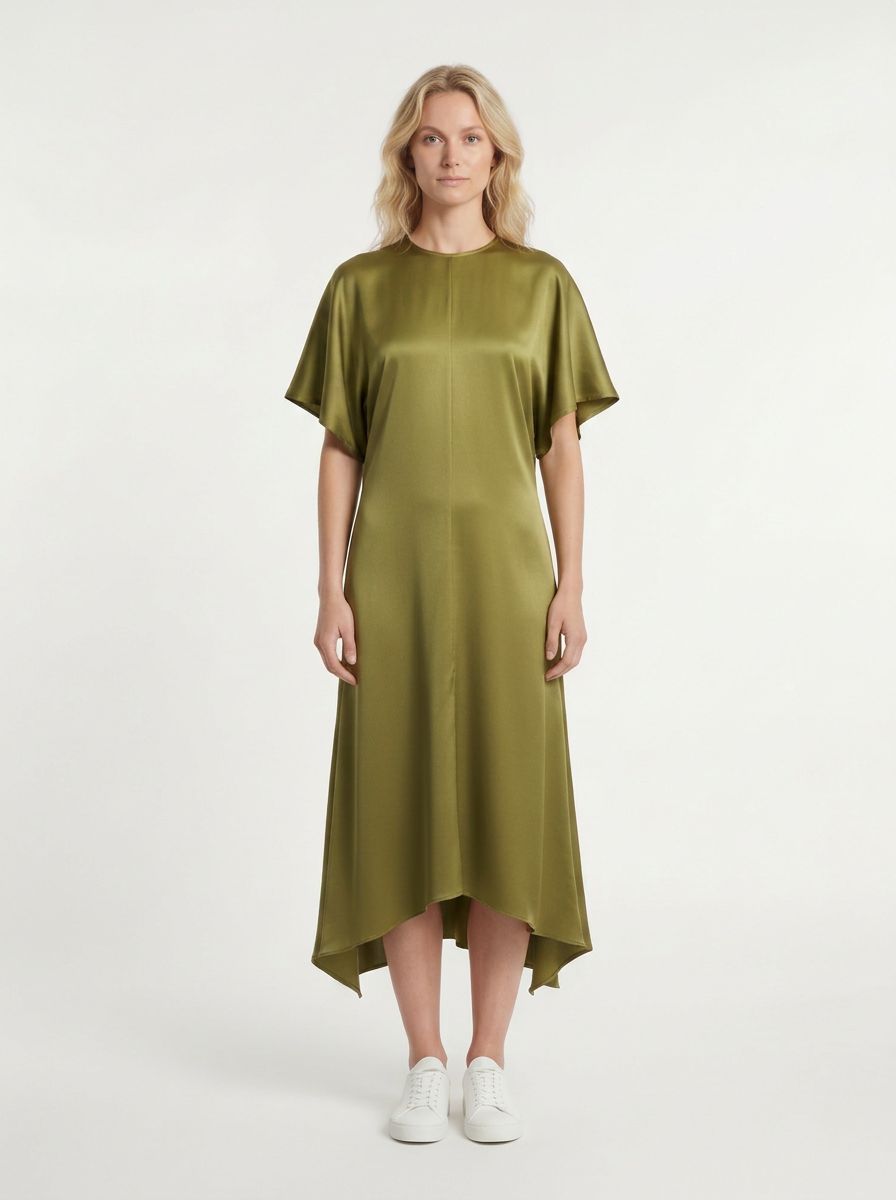
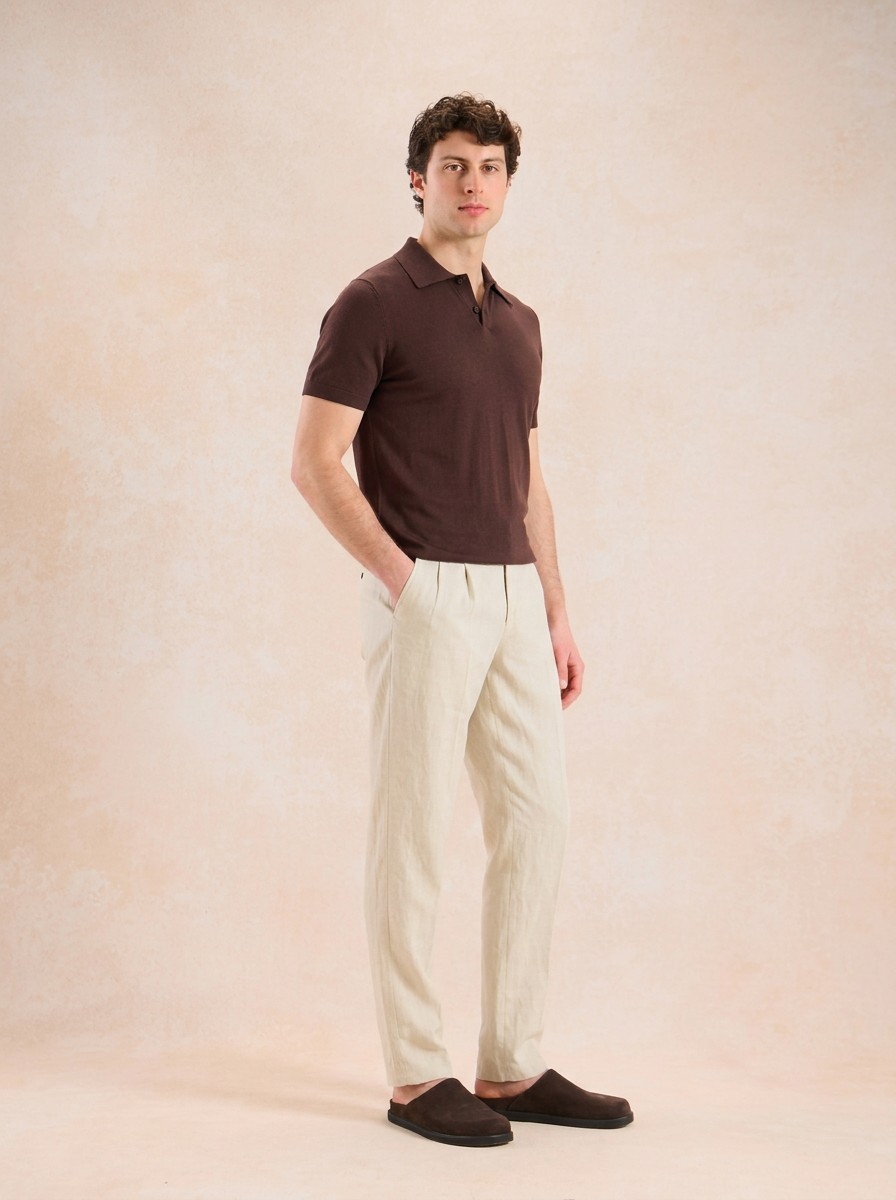
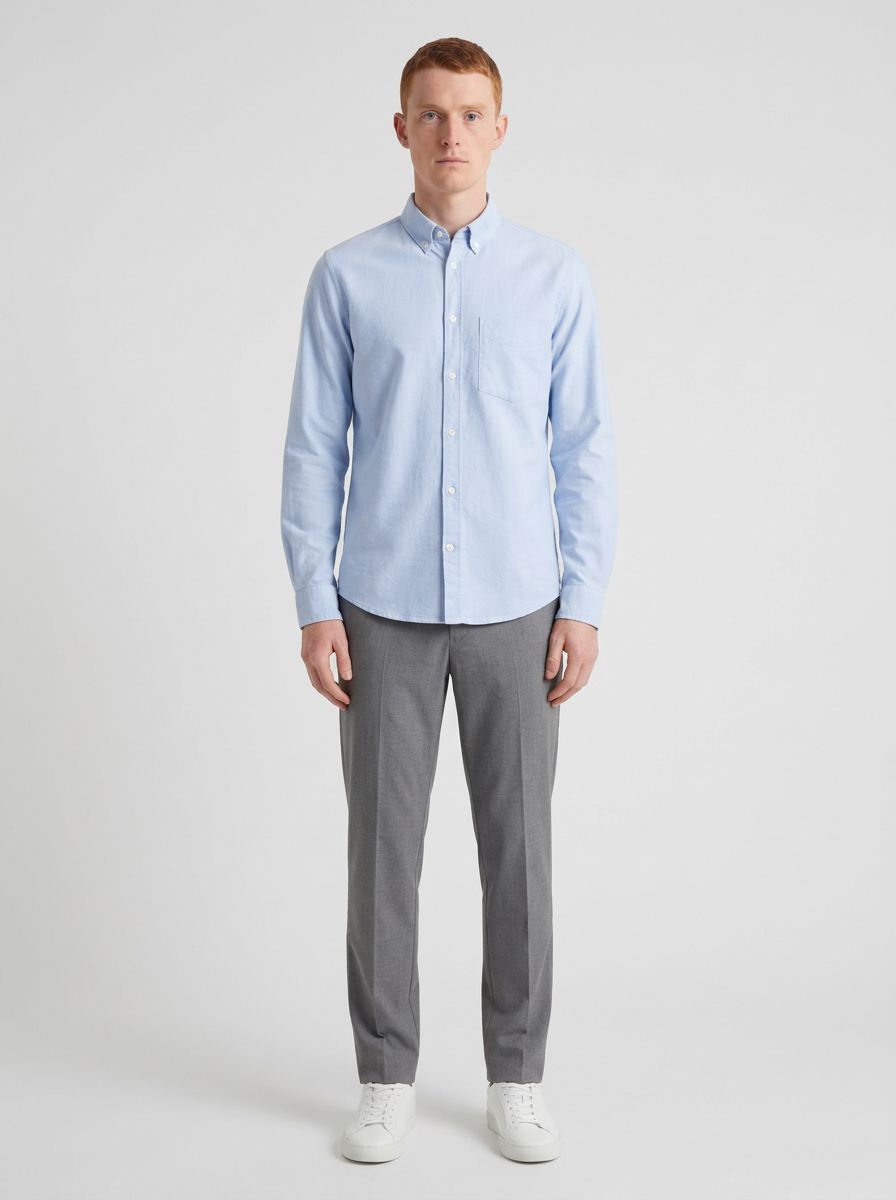
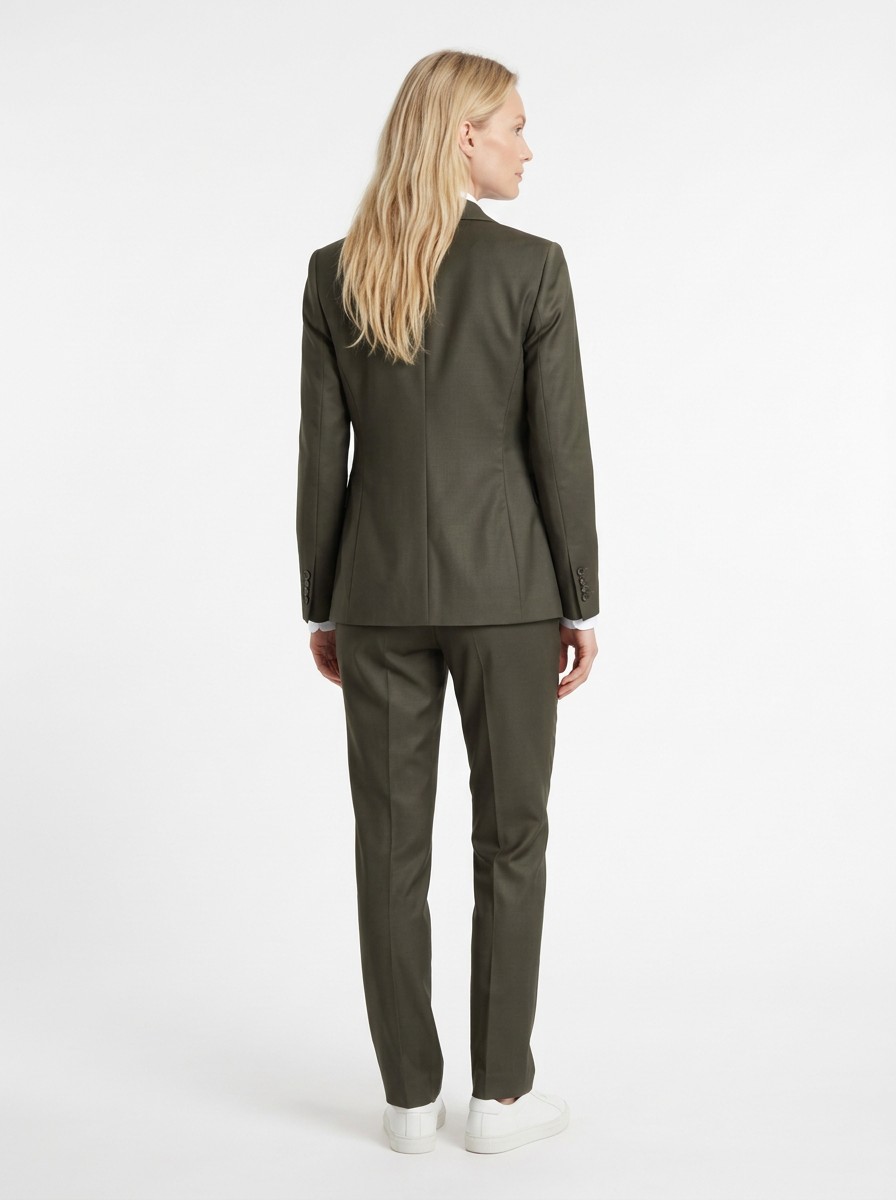
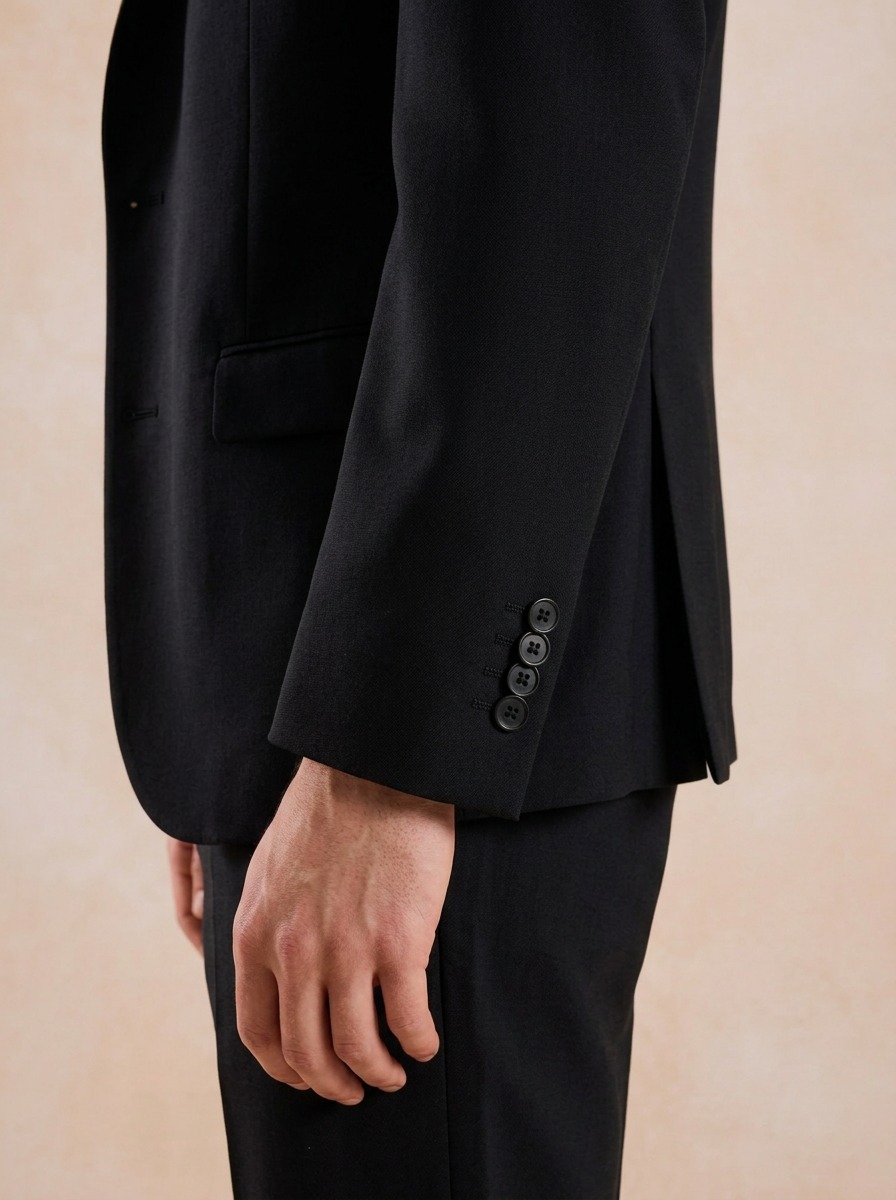
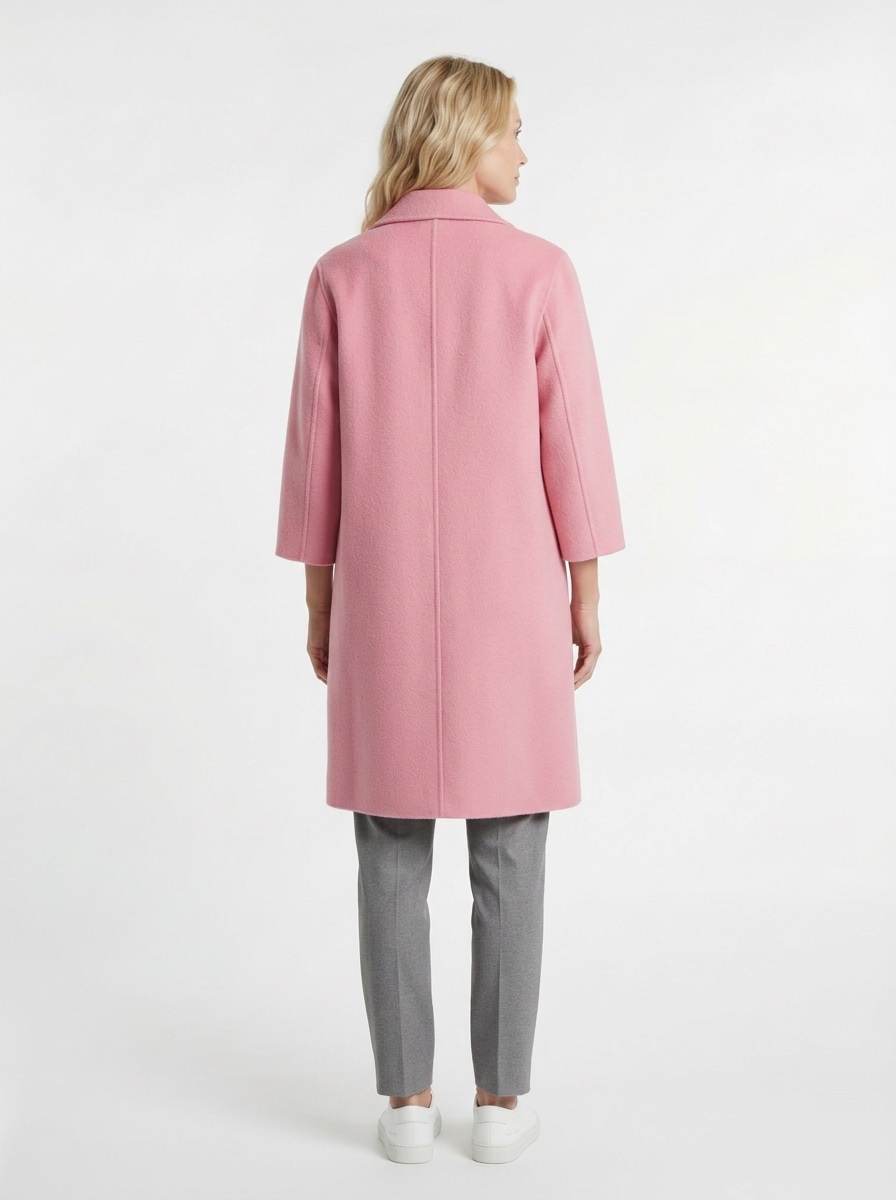
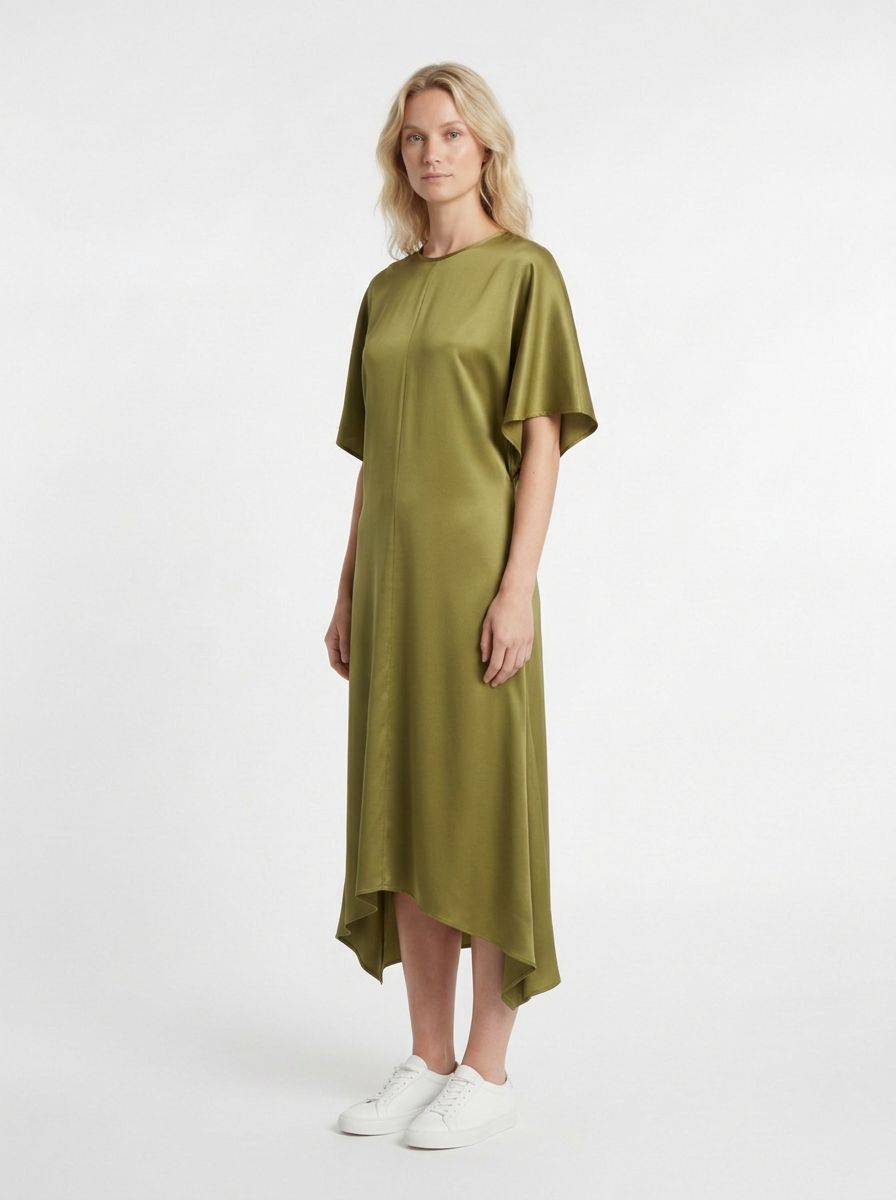
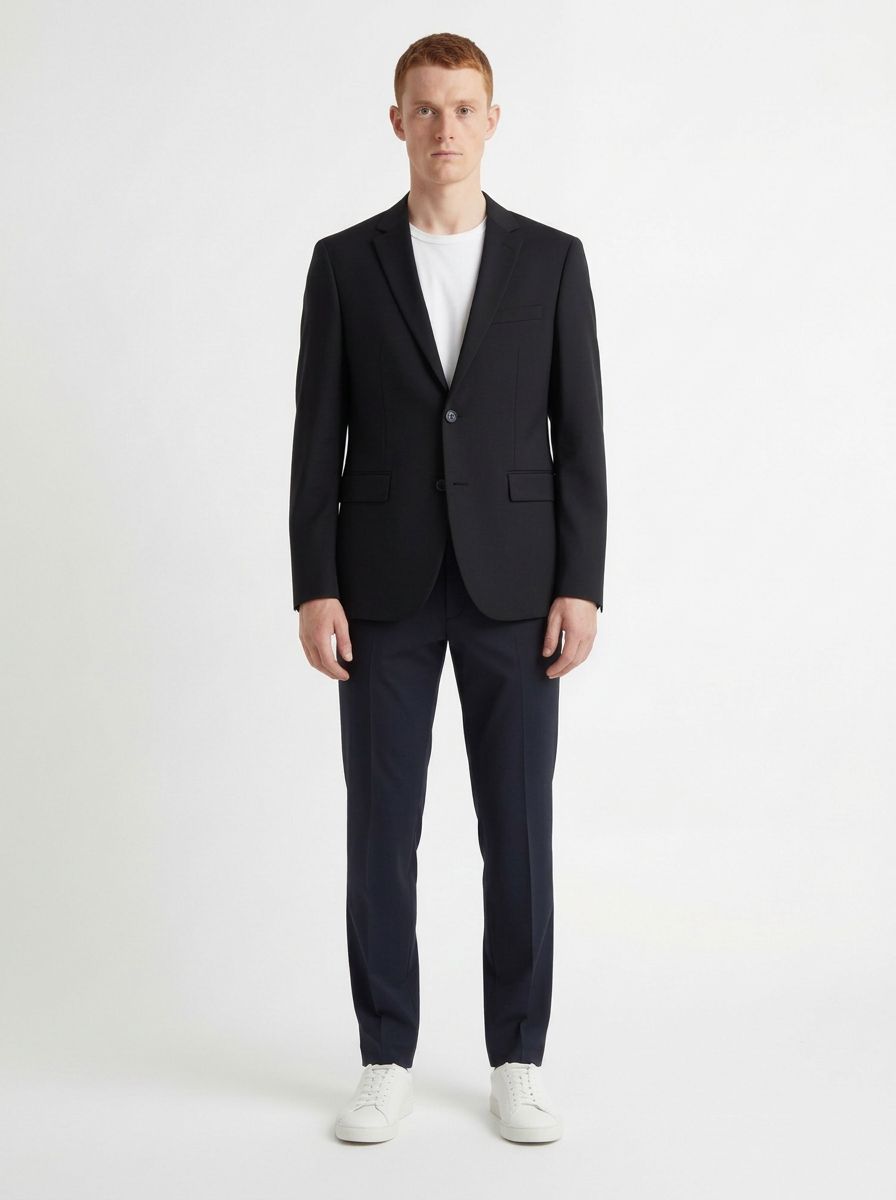
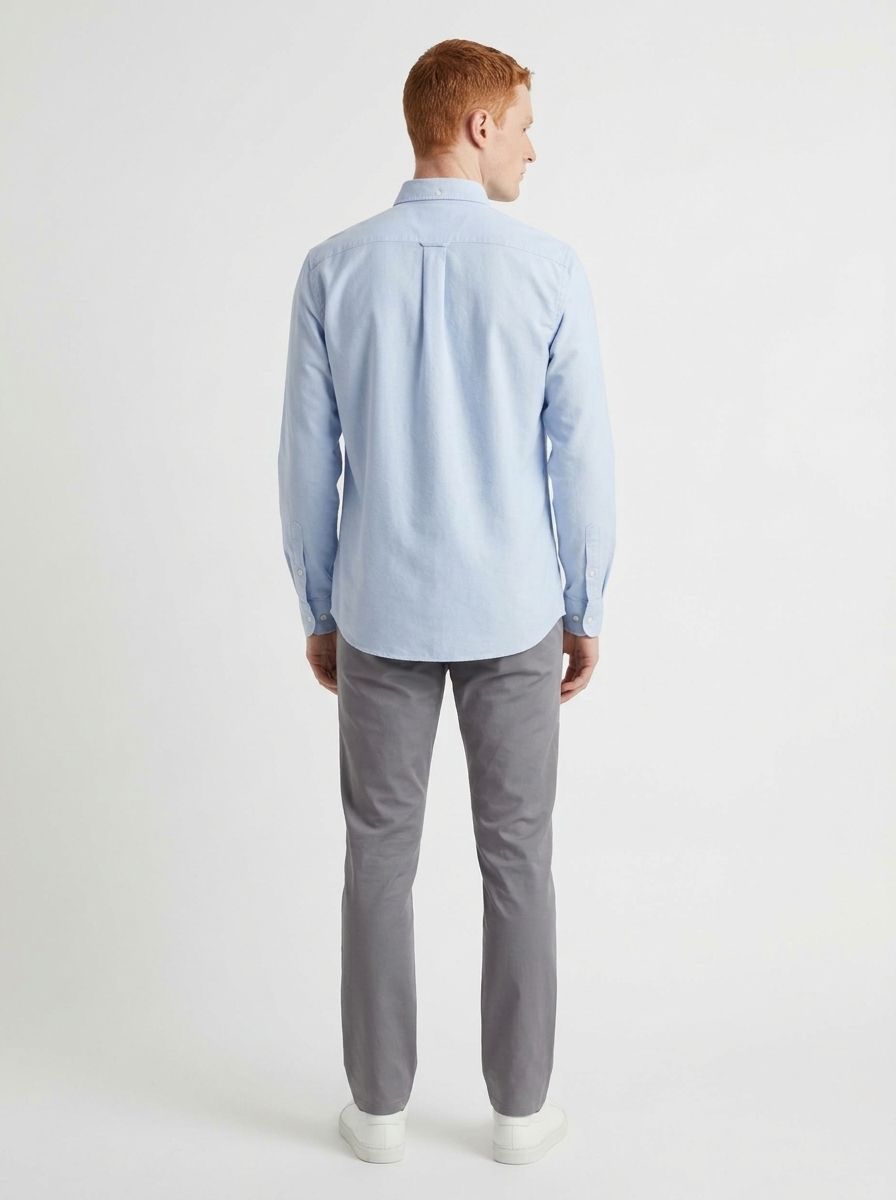
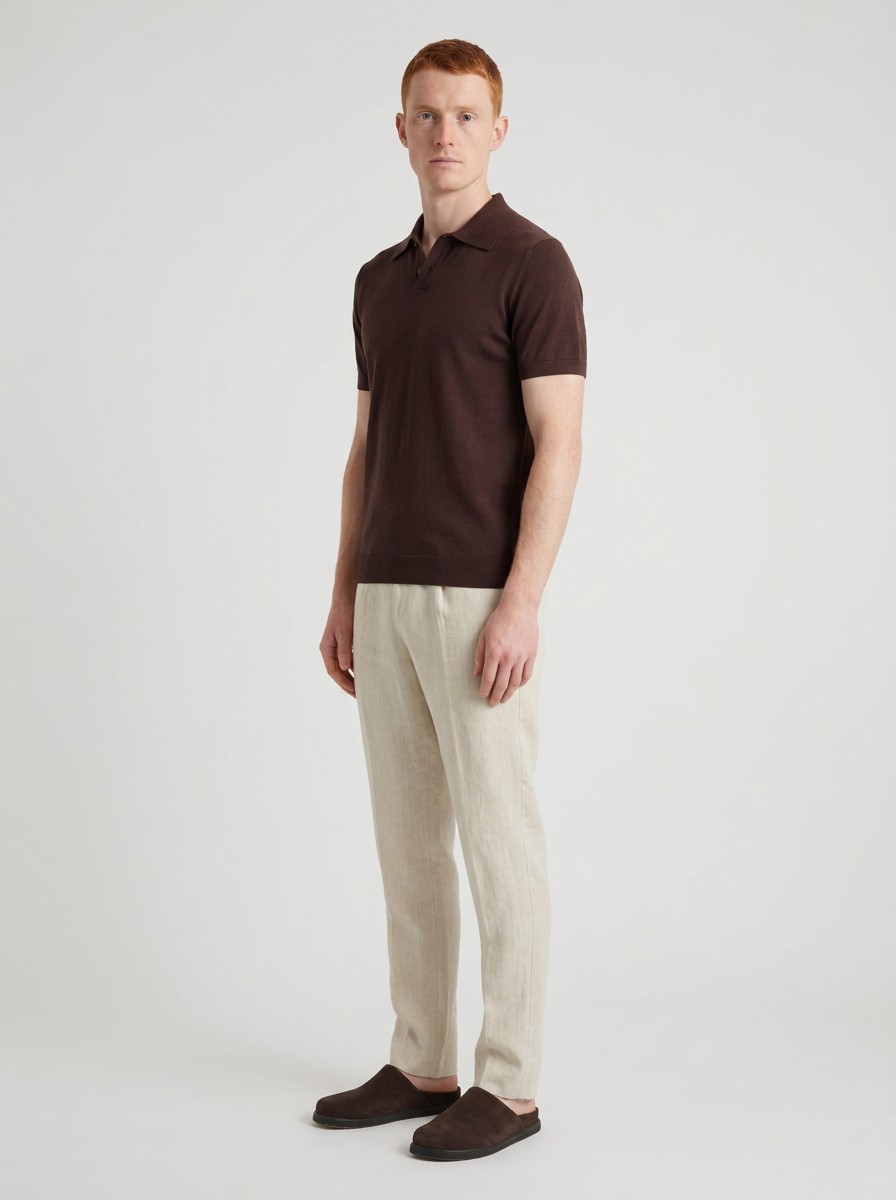
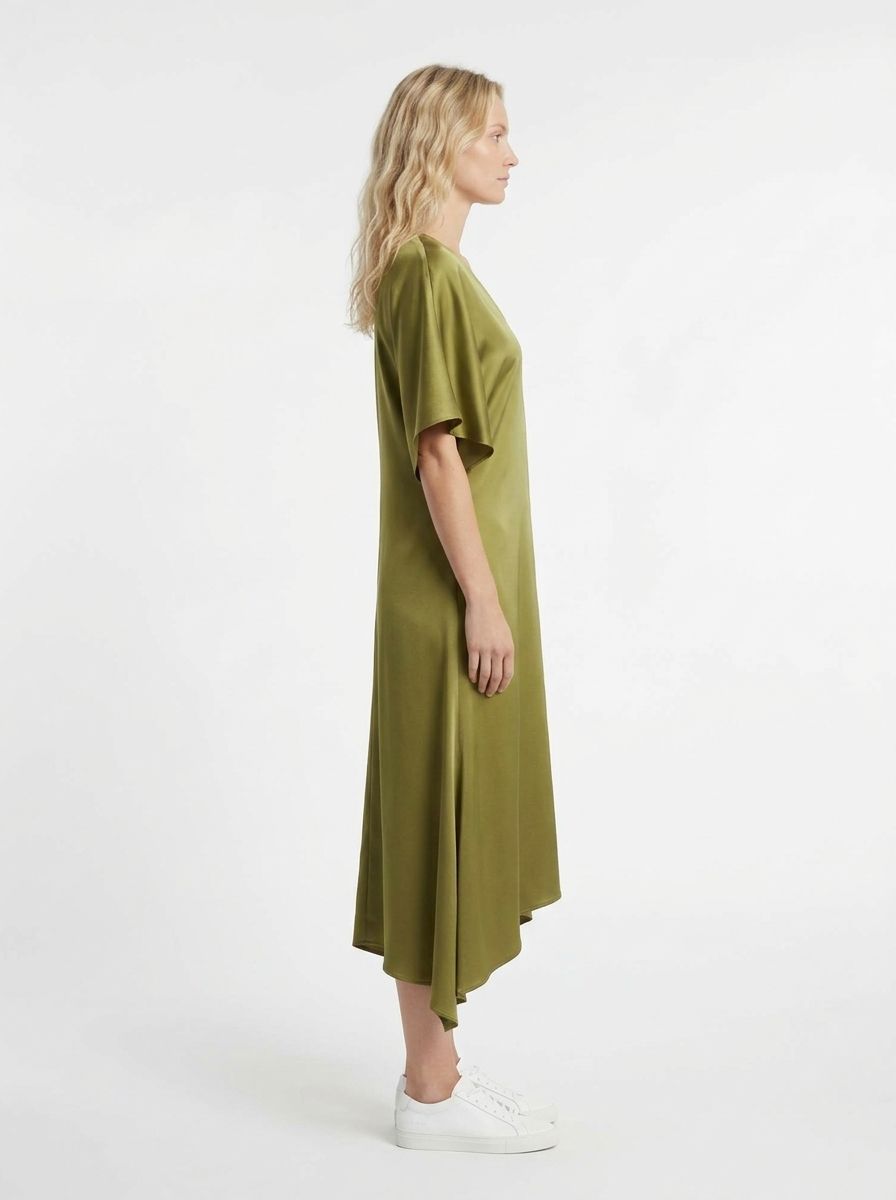
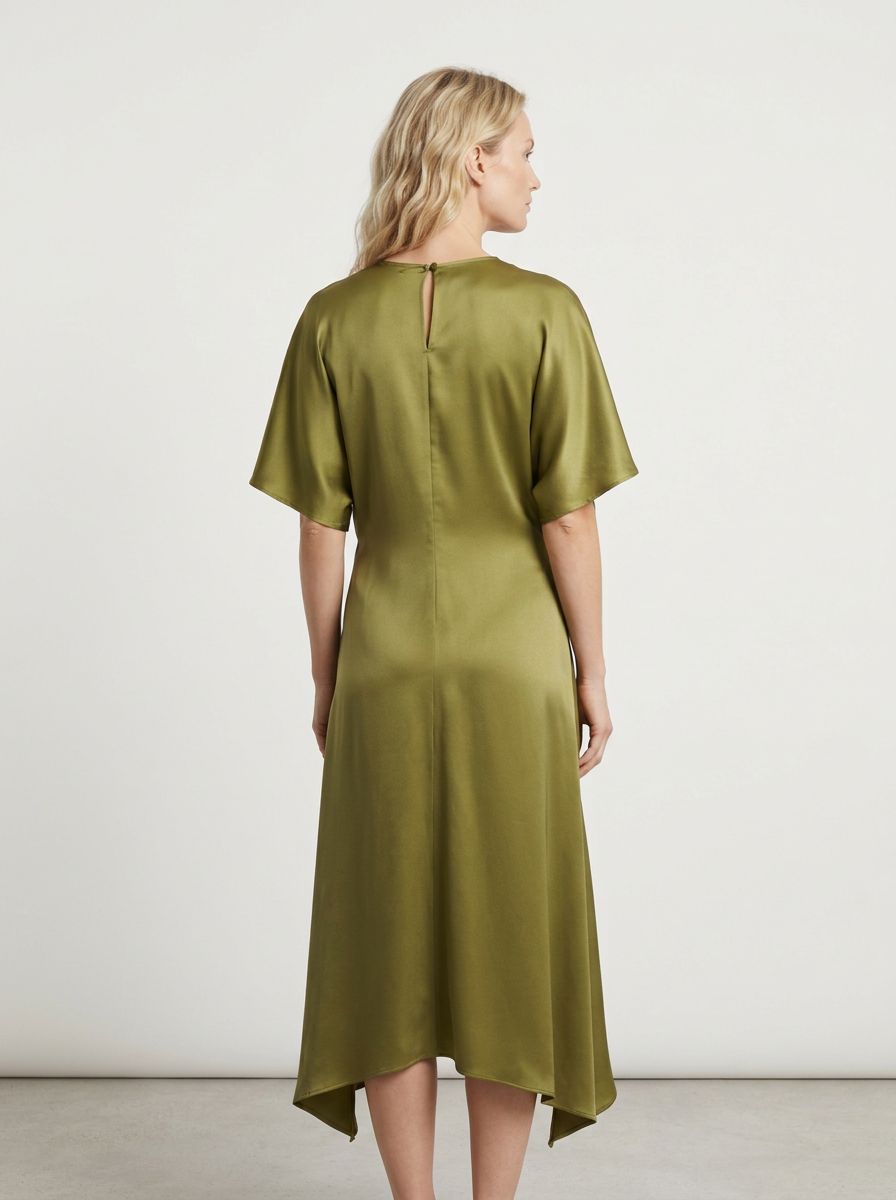
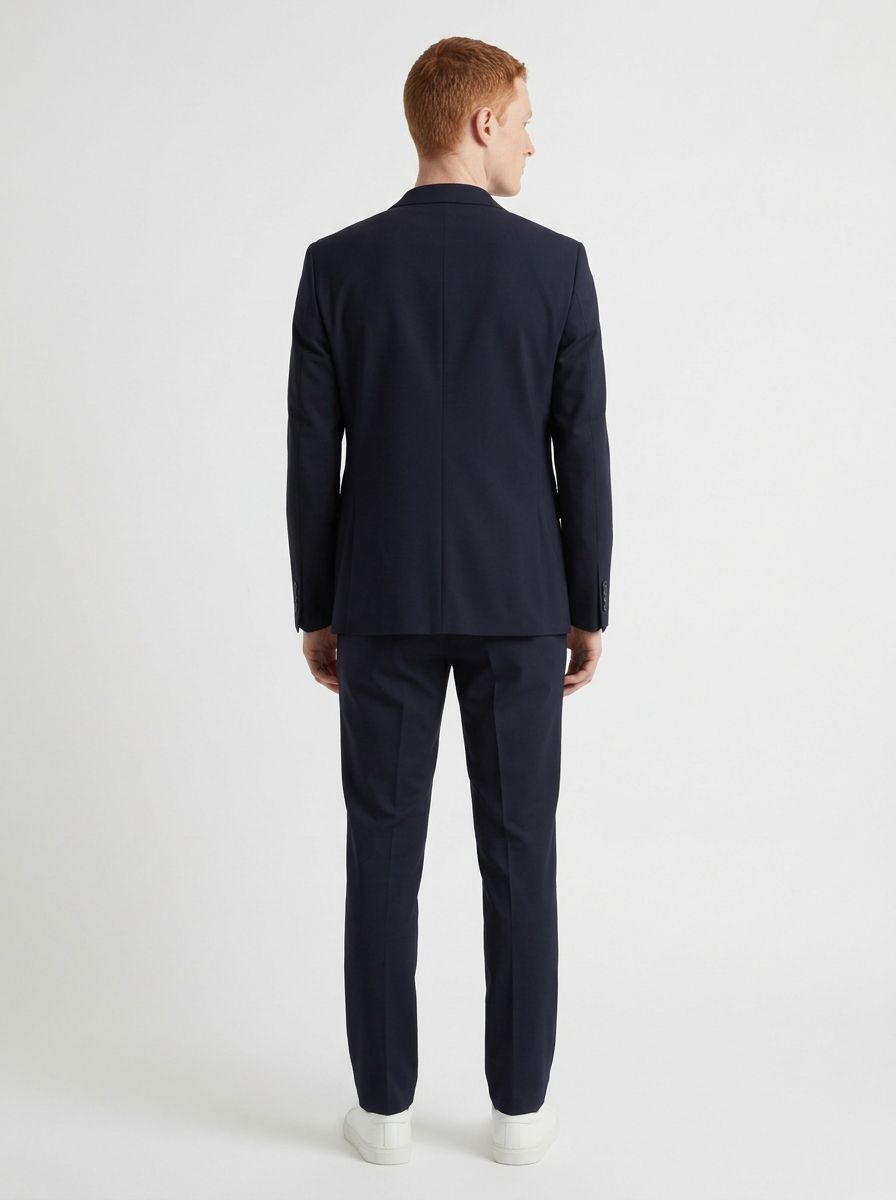
All images are selected AI-generated Studio results, including different views of the same garments. Open an image to inspect it and see the original inputs where available.
Review colours, fabric, and construction before publishing. Results vary.
Now, picture your own collection.
One collection. More ways to show it.
Your collection needs more than a single image. Create a selection for the places your customers discover it.
Explore front, side, back, and three-quarter views. Give each product a place on the model before choosing images for its page.
Bring pieces together in styled images for your next lookbook. Choose models and views that fit the collection you have built.
Return to saved product photos when you need fresh images for social posts, emails, and ads. Create more options from the pieces you already sell.
Your product photos are all you need to begin
20 one-time trial credits. No card required.
The next example should be yours
The examples above are ours. The decision should rest on yours. Upload a garment you sell and see it on a model, with 20 free credits to explore the possibilities.
Want a walkthrough for your team? Talk to us
Room for your next drop
Choose a monthly credit allowance to match your collection and the images you want to create. Start with the trial, then grow from there.
A place to begin
For your first recurring shoots
$149 USD / month
Room to create together
For a growing creative team
$399 USD / month
For larger catalogues
For a busy production calendar
$1,249 USD / month
A standard 1K image generation uses 1 credit. Other actions have different costs. Credits cover completed generations and processing actions, not guaranteed usable images. Failed provider requests restore reserved credits. Review the current offer and applicable taxes at checkout.
Need a different setup? Talk to us about Enterprise
A little clarity before you create
AI fashion photography uses your garment photos to generate new images of clothing on a model. Chic Studio lets you choose an AI model and camera views, then review and download the results for your store.
Start with a clear flat-lay, hanger, or product photo that shows the garment well. Use images you have permission to upload. You can combine product references, as in the jacket-and-trousers example above.
Yes. Create an account without a card and start with 20 one-time trial credits. One standard 1K image generation uses 1 credit. Completed variations and retries use more credits. The allowance does not renew each month.
Download the images you approve for product pages, lookbooks, social content, and campaigns. Check garment accuracy and your rights to the source photos and model references. Use your existing workflow to upload them to your store, and review the Studio terms before publishing.
AI can change colours, prints, logos, and construction details. Compare each result with the actual garment before publishing, especially any view that the source photo does not show. Choose the images you approve and generate another variation when needed.
A standard 1K generation costs 1 credit. Upscaling a selected image to 4K costs another 2 credits and is available on every plan. Other actions have separate costs. Credits pay for completed work, not guaranteed usable images. Failed provider requests restore reserved credits.
Your collection is ready for its close-up
Start with a photo you already have.
20 one-time trial credits · No card required